Lower-timeframe price movement
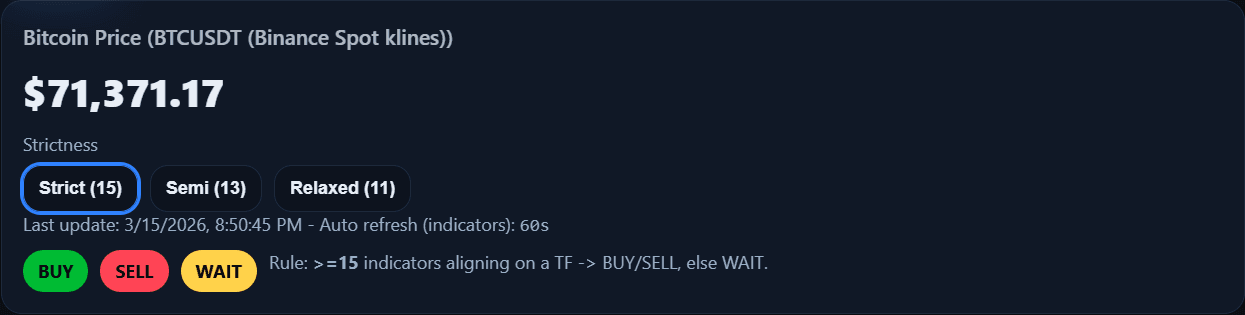
The price panel provides a reference point for what is happening right now before traders compare that movement with the broader timeframe picture.
 Consensus Engine
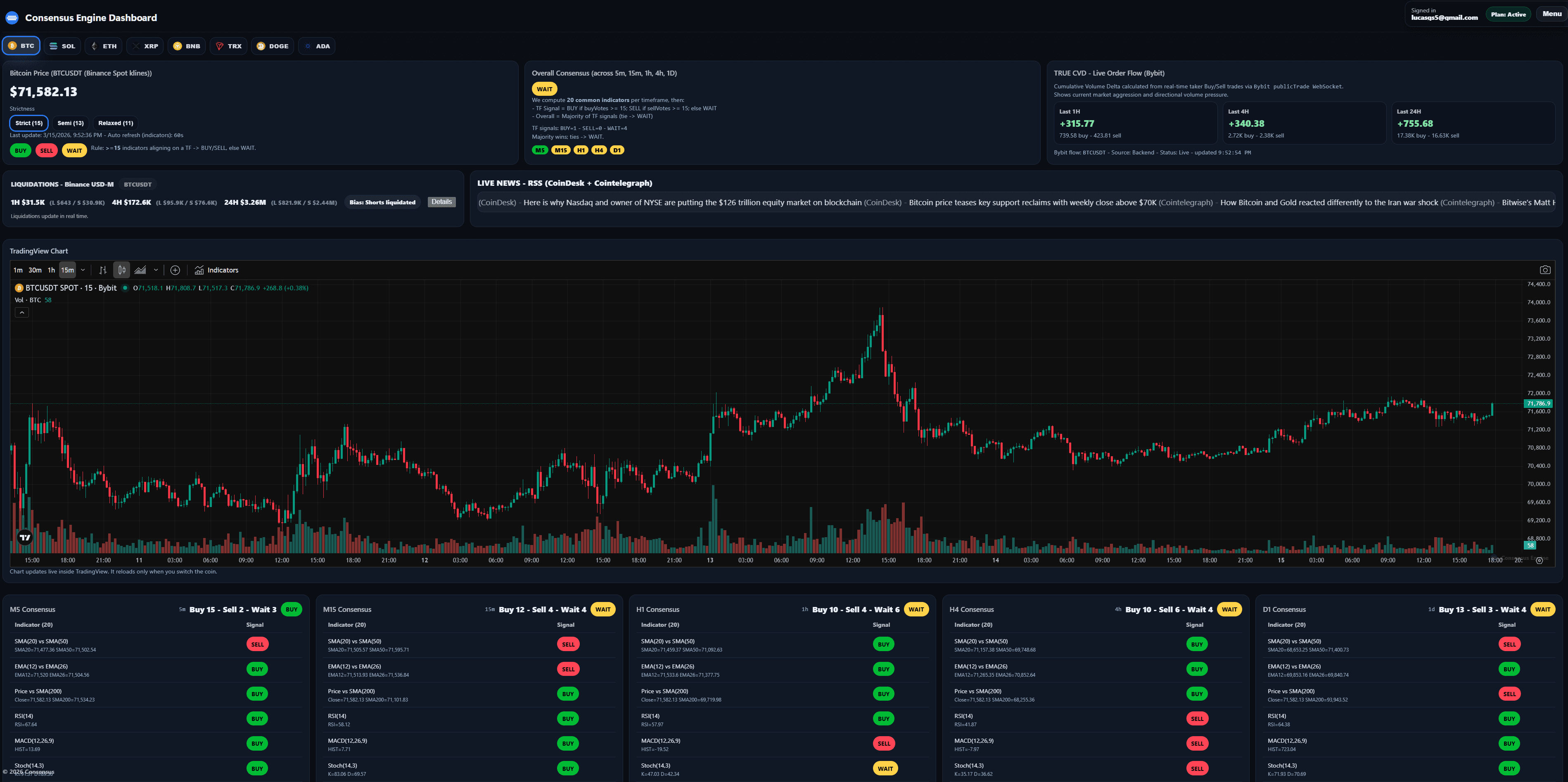
Consensus Engine helps traders compare market alignment across M5, M15, H1, H4, and D1 in one dashboard. This makes it easier to spot when momentum is broad and aligned instead of limited to one isolated timeframe inside a crypto indicator dashboard.
When all key timeframes stay visible together, traders can compare short-term movement with broader structure without jumping between separate charts.
A setup can look strong on one timeframe and weak on another. A multi-timeframe dashboard helps traders compare short-term and broader market conditions more efficiently, reducing the chance of reacting to incomplete signals. When that alignment is paired with a trading signal dashboard, the workflow becomes easier to interpret.
Consensus Engine is built around timeframe comparison, helping traders see whether momentum is isolated, expanding, or supported by broader structure.
The price panel provides a reference point for what is happening right now before traders compare that movement with the broader timeframe picture.
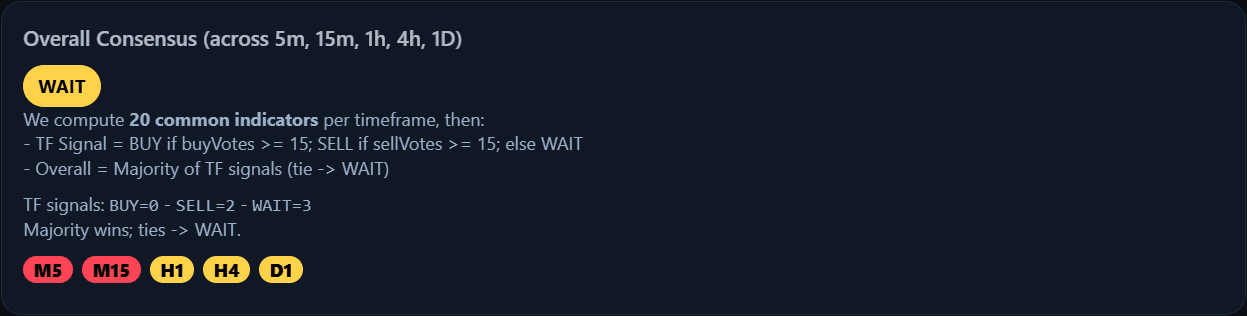
The consensus panel keeps M5, M15, H1, H4, and D1 in one view so traders can compare alignment without bouncing between separate chart tabs.
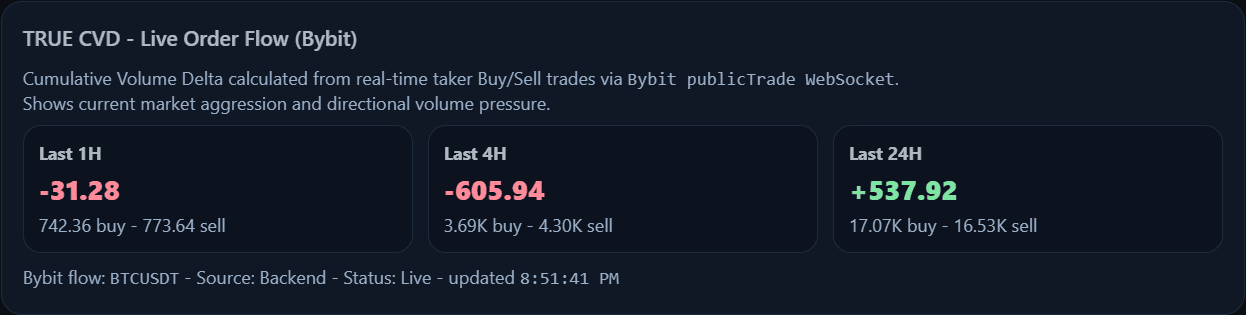
TRUE CVD helps traders judge whether lower-timeframe movement is attracting support or fading as it moves into higher-timeframe areas.
News and liquidation activity help traders decide whether a timeframe move is part of broader structure or driven by short-lived disruption.
The dashboard is designed to make timeframe comparison practical by grouping each part of the process into one consistent workflow. Traders who want the full product overview can return to the crypto indicator dashboard.
Lower timeframes help traders see whether short-term momentum is building, fading, or reversing before the move expands.
Mid-range timeframes provide more stable structure and help traders judge whether the shorter move is aligned with a stronger trend.
The daily view helps traders anchor setups inside broader market direction instead of reacting to lower-timeframe noise alone.
All five timeframes stay visible together, which makes alignment easier to evaluate than opening multiple separate chart windows.
A trader can use the dashboard to validate whether a short-term setup is actually supported by broader structure before acting.
Begin with M5 and M15 to see whether the move has immediate momentum or whether shorter-term alignment is already weakening.
Use H1 and H4 to check whether the setup is moving with broader structure or fighting into a stronger opposing trend.
The daily timeframe helps traders decide whether the move fits the bigger picture or is more likely to remain short-lived noise.
Because a setup can look strong on one timeframe and weak on another. Comparing multiple timeframes helps traders judge whether momentum is broader and more reliable.
Consensus Engine tracks M5, M15, H1, H4, and D1 so traders can compare short-term movement with broader market context in one place.
Yes. The Quick Preview provides a limited live look at the dashboard so traders can understand the workflow before subscribing.
See how multi-timeframe alignment applies specifically to Bitcoin signal reading and BTC market context.
See how timeframe alignment fits into a broader signal workflow that also includes participation and market context.
Consensus Engine helps traders compare lower-timeframe momentum with broader structure in one view instead of relying on isolated chart checks.